Publish
The Publish command allows developers to release the current project version as Minor or Major based on the nature of the changes.
Publish Project
In Synergy IDE, the Publish option under the Run menu enables versioning and distribution of your current project. You can publish a project as either:
- Minor: For backward-compatible updates
- Major: For breaking or significant changes
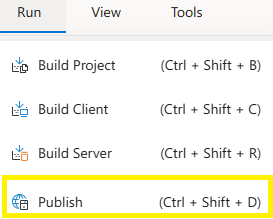
Steps to Publish
- Open the project you want to publish.
- Go to the Run menu and click Publish Project.
- In the dialog, select Minor or Major based on your update type.
- Add release notes describing the changes.
- Confirm the action to complete the publishing process.
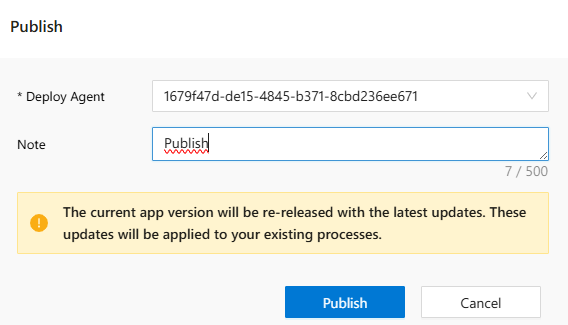
Notes
- Major publishing requires that Build Project and Build Server steps are completed first.
- Minor versions allow existing consumers to keep working without breaking changes.
- Once published, the project becomes available for execution across the platform.
See Also
FAQs
- Where To Add Release Notes
- Can I Publish Without Build
- When To Use Minor Or Major
- Does Publish Overwrite Previous Version